

Education in 2025: The Shifts That Mattered

Educational articles and advice for teachers. www.amazon.com/author/rogersrichard
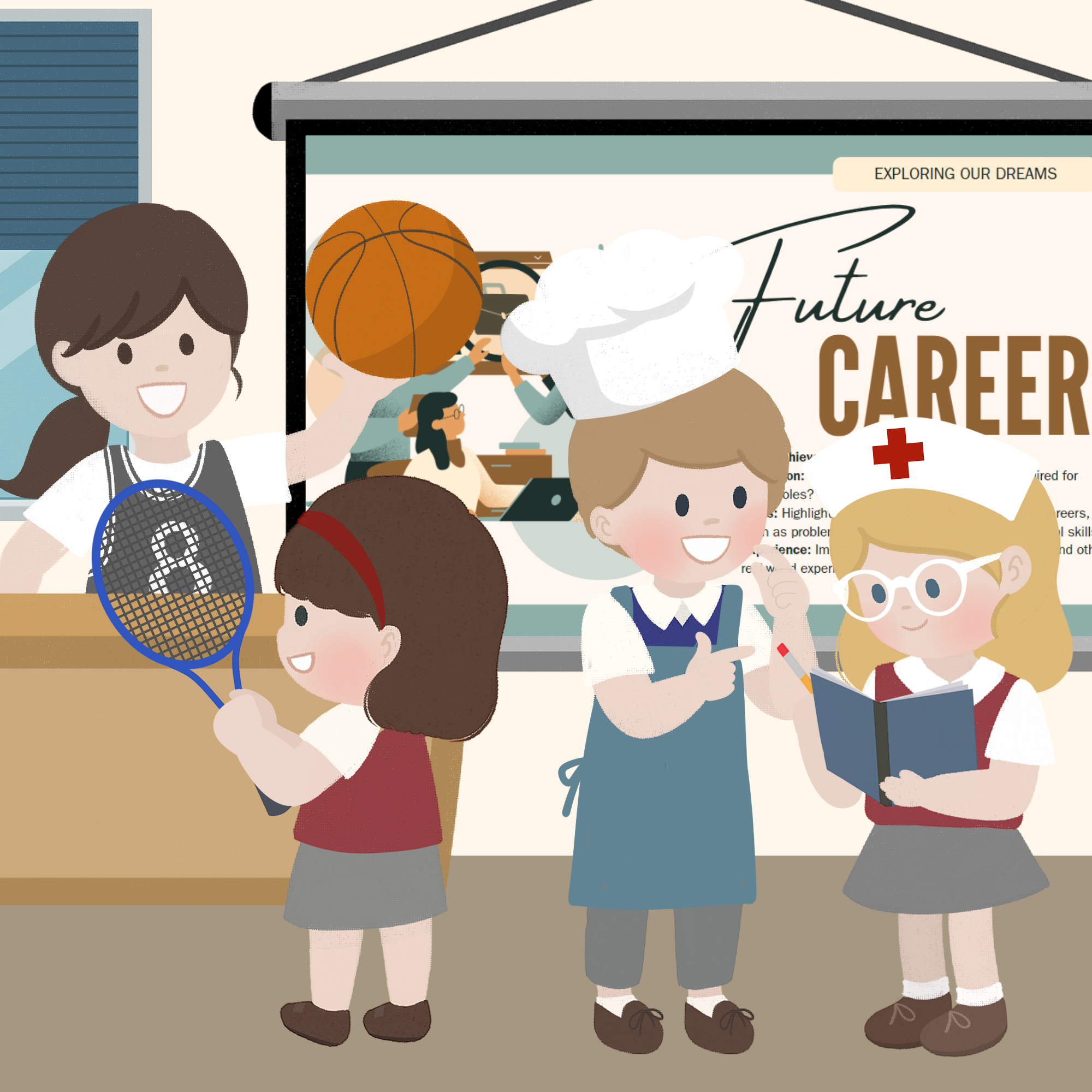
An article by Richard James Rogers (Award-Winning Author of The Quick Guide to Classroom Management and The Power of Praise: Empowering Students Through Positive Feedback). This blog post has been beautifully illustrated by Pop Sutthiya Lertyongphati.

Sometimes it is necessary for teachers to reflect on the overall purpose of education. After all, knowing the why will often give us new perspectives on the how.
Many thought-leaders have articulated their ideas on what the purpose of education should be. Some notable quotes are given below:
“The purpose of education is to give to the body and to the soul all the beauty and all the perfection of which they are capable.”
– Plato
“The goal of education is the advancement of knowledge and the dissemination of truth.”
– John F. Kennedy
The object of education is to prepare the young to educate themselves throughout their lives.”
– Robert Maynard Hutchins
In my 2019 blog post entitled 5 Things Schools Should be Teaching Kids (But Most Aren’t) I came straight to the point with my thoughts on what the purpose of education is (albeit much less elegantly that the esteemed individuals quoted above):
School must prepare students for life
– Richard James Rogers
My statement is probably most aligned with that of Robert Maynard Hutchins (the legendary American educational philosopher and former Chancellor of the University of Chicago and, to my shame, a person I had only heard about during my research for this blog post). It brings me great satisfaction to know that I and such an esteemed and well-respected educator are pretty much in agreement: even if our opinions are more than a few decades apart! (Hutchins was born in 1899).

Schools must prepare students for life, but what does that actually look like in 2025 (and beyond)? Today, I’ll deliver a condensed version of my research into the top 5 skills employers are looking for, and what schools (and, by inference, teachers) should do about it.
#1 In-Demand Skill for 2025: AI Literacy and Human/AI Collaboration
Unless you’ve been meditating in a remote forest somewhere for the past three years, you’ll know that AI, and particularly GenAI, has skyrocketed in capability, use-applications and accessibility. Everybody who’s anybody in the corporate training or online education sector is offering courses in AI integration and for a good reason: there’s a lot of money to be made! Additionally, the World Economic Forum’s Future of Jobs Report 2025 lists “AI and big data” as the top technological skills that are projected to “grow in importance more rapidly than any other skills in the next five years”.
I will admit openly that I have also jumped on this bandwagon: I have personally completed four very detailed online courses covering AI integration this year (see my LinkedIn profile for details) and I now offer AI integration as one of my corporate training workshops (and it’s proving to be one of my most popular).
Bottom line for teachers:

#2: In-Demand Skill for 2025: Data Literacy and Analytical Thinking
In July 2025, Elon Musk weighed in on the debate about what children should study in the age of AI. Responding to a call for students to prioritise mathematics, he argued that the true focus should be “Physics (with math)”, highlighting his belief that a deep grasp of fundamental principles, supported by mathematics, is more valuable than coding alone in an AI-driven world. Additionally, The World Economic Forum’s Future of Jobs Report 2025 makes clear that analytical thinking is still one of the top core skills employers expect to be in high demand by 2030.
Bottom line for teachers:

#3: In-Demand Skill for 2025: Cybersecurity and Digital Trust
According to the 2024 ISC2 Cybersecurity Workforce Study (which is the latest available study, at the time of writing), the world is short of nearly 4.8 million cybersecurity professionals, and almost nine out of ten teams say they lack key cybersecurity skills. With AI bringing both powerful new tools and serious new risks, the call is growing for people who can think critically about digital safety and design systems that are secure from the start. For schools, this is a clear signal: cyber-awareness and responsible use of AI should be part of every student’s education, not just for future specialists but for all young people who will live and work in a digital world.
Bottom line for teachers:

#4: In-Demand Skill for 2025: Sustainability Literacy
Employers are warning about a major shift from 2025 onwards: environmental stewardship is expected to be one of the fastest-growing skill demands globally. Recruitment needs for so-called “green skills” is already rising more quickly than the supply of qualified workers. LinkedIn’s Global Green Skills Report 2024/25 shows that this growth will continue worldwide, with the gap between demand and supply projected to widen steadily through 2030 to 2050.
Bottom line for teachers:
#5: In-Demand Skill for 2025: Communication
According to Lightcast, a leading labour-market analytics firm, 76% of job postings request at least one durable (human) skill, with communication consistently ranking among the most in demand. The World Economic Forum highlights related skills such as creative thinking, resilience, and leadership/social influence as essential for the workforce of 2025 and beyond.

Bottom line for teachers
Conclusion
So what does all of this mean for us in the classroom? The future world of work is crying out for five big things: AI know-how, data smarts, cyber-savvy thinking, green awareness, and those all-important human skills like communication and resilience. The good news is that we don’t need to bolt these on as extra lessons. Instead, we can weave them into what we already do: use AI tools for research, crunch real-world data in maths or science, chat about online safety whenever tech comes up, link projects to sustainability, and give students plenty of chances to work together and present their ideas.
Bibliography and references


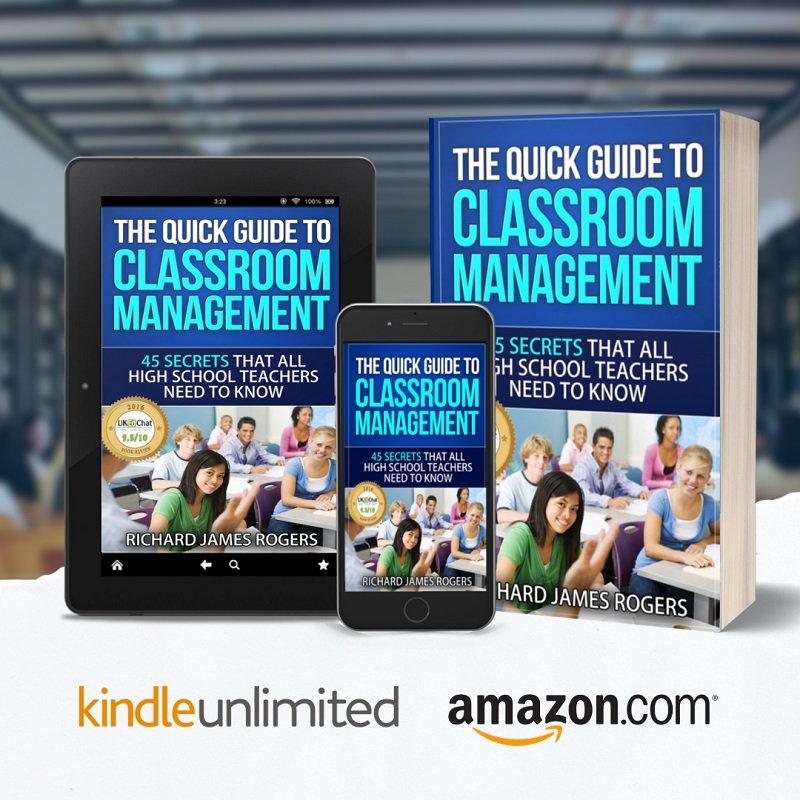
Check out my award-winning book on Amazon (click on the image below):

An article by Richard James Rogers, award-winning author of The Quick Guide to Classroom Management: 45 Secrets That All High School Teachers Need to Know and The Power of Praise: Empowering Students Through Positive Feedback
This blog post has been beautifully illustrated by Pop Sutthiya Lertyongphati.
Accompanying podcast episode:
We’ve all been swept up by the hype that has come in the wake of the creation of generative AI (aka GenAI) systems. Back in 2023, when ChatGPT was launched, its capability was limited to text generation, spell checking and rudimentary admin work. Now, however, the form factors of GenAI come in so many shapes and sizes. People are using AI to create slide presentations, images and videos, to record meeting notes, to generate complex documents such as spreadsheets and academic papers and even to act as virtual therapists.
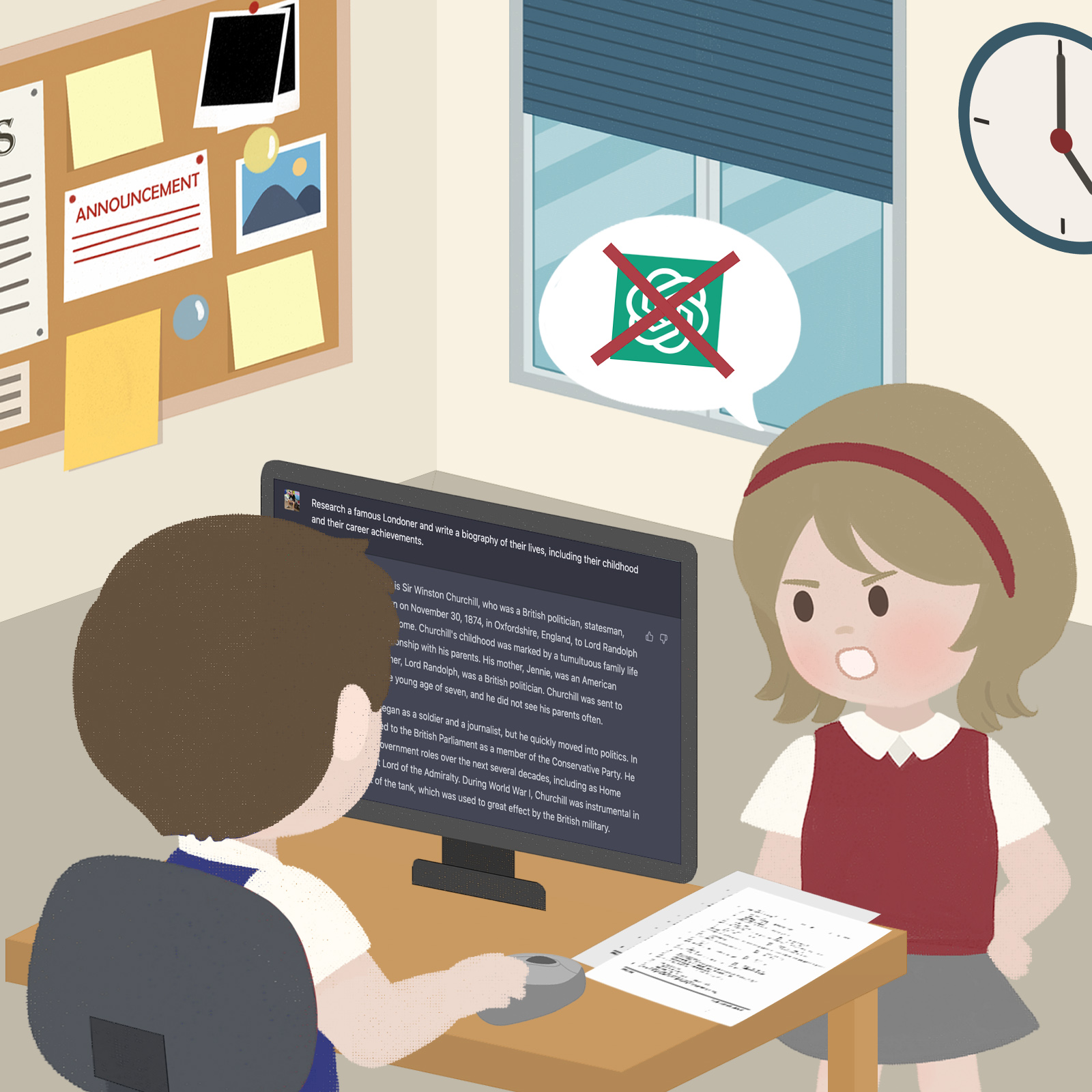
One thing that I would like to assure all of my readers about is that I have NOT used GenAI to write this blog post. I believe that bloggers, journalists, reporters and writers have a duty to be genuine and sincere. That’s why, from now on, you’ll see this badge on my blog posts as a verified symbol of my authenticity:
And, before we begin, I think this juxtaposition is a good place to launch my tips from: AI tools can save us tons and tons of time, but they cannot replicate human authenticity. For someone who’s an award-winning author, like myself, it’s actually very easy to tell when an email, for example, has been created solely from prompt engineering. And that doesn’t necessarily mean that GenAI is a bad thing: it’s just that there are optimal and sub-optimal ways of using such systems, which I will outline today.
DISCLAIMER: Always check your school’s policies and procedures before using any GenAI system. If in doubt, check with your school’s senior leadership team.
My Top Three Use Cases for GenAI Systems as a Teacher
#1. Creating slide presentations: Gamma.app
I recently discovered this system when preparing to deliver one of my corporate training workshops. Here’s what I love about it:
Things to consider:
Here’s an example of a slide that Gamma created for me recently:

Overall, Gamma is an excellent system and I recommend teachers everywhere to give it a go. Do the free trial and see if it is the right app for you. I personally signed up for the Plus plan, as I can see Gamma being an excellent assistant for a lot of the presentations I deliver.
#2. Recording meeting notes: Otter.ai
This is probably the app that will make you gaze in wonder the most when you first try it – at least that’s what happened to me! Gone are the days when you need to hurriedly write down everything you could manage to hear in a meeting, and then figure what to do (and by when) once the meeting was over. Otter does all of that for you.
By listening to the meeting conversation, Otter can identify speakers and transcribe the meeting as it happens, in real-time. It’ll even provide a summary of what was said at the end, along with a list of key action items (you’ll be amazed at how much it picks up, and how much you missed, when you see it!). The action items even come with check boxes for you to tick off when they’re done!
Like Gamma, Otter allows you a limited free trial (300 monthly minutes of meetings). For the Pro version, which gives you 1200 transcription minutes per month (with a maximum of 90 minutes per meeting), the price is US $8.33 per month (billed annually as US $99.99).
I’ve not (yet) gone for the pro version of Otter, but it is something I’m considering. One thing I hate about meetings is the inability to be fully present as I feel the need to constantly make written notes. With Otter, I can see myself relaxing and being fully attentive whilst the system transcribes everything for me.
#3. Your Overall Personal Assistant: ChatGPT 5 (and further iterations)
GPT 5 has been hailed as a “PhD Level” assistant by its creators, Open AI. Interestingly, as if by a weird mixing of Murphy’s Law with a slap-in-the-face, I made a video all about the three apps I’ve mentioned today on August 7th, which you will see below. In that video, I mentioned ChatGPT 4 as one of my favourites. Later that day, I found out that ChatGPT 5 had just been released (that very same day!). Talk about a coincidence!
I’ve only had two days to test ChatGPT 5 and, to be honest, I’ve not seen much of a difference (yet) between it and ChatGPT 4. However, if it really is a better version of GPT 4, then it is destined to be absolutely awesome!
ChatGPT is my go-to app for a variety of generative needs. Here’s what teachers all around the world have told me about how they use ChatGPT:
The dreaded em dash: a penultimate thought
One dead giveaway of GenAI content is the dreaded em dash, which looks like this: (—). It’s basically a very long hyphen, which is very, very rarely used in everyday situations. Even as an award-winning author, I never use em dashes in my books (unless my proofreader inserts them). There isn’t even an em dash key on standard computer keyboards. Instead, it is accessed through alt codes or special inputs. If you want your GenAI content to look more genuine, then I recommend specifying in your prompts that em dashes should not be used, or tell the system to remove em dashes during the iteration process.
My thoughts on the current stigma surrounding GenAI usage in schools
Unfortunately, whilst the corporate sector is scrambling to create smart workflows using GenAI systems, schools are woefully lagging far behind. In the teaching profession generally, the use of AI systems for the reasons I have specified today is still frowned upon. Even sourcing slides that other people have made is looked upon unfavorably by some school leaders. This, sadly, has caused a lot of teachers to go ‘underground’ and use GenAI covertly.
Things will have to change soon, however. I have been doing a lot of courses in AI this year (check out my LinkedIn profile to see my certs) and I can tell you sincerely: it’s FRIGHTENING how advanced GenAI has already become. These systems are already breathtakingly good, and they’re only going to get better. Sooner or later, the stigma surrounding teachers usage of GenAI in schools will have to dissolve: it’s the only way that schools are going to be able to stay relevant.


An article by Richard James Rogers, award-winning author of The Quick Guide to Classroom Management: 45 Secrets That All High School Teachers Need to Know and The Power of Praise: Empowering Students Through Positive Feedback
Language models of AI have become one of the most impressive achievements of modern technology. The development of these systems is extremely dynamic. From simple chatbots to complex systems that can write texts, compose music, and even analyze emotions. One of the most famous examples of language models is the GPT series by OpenAI. Also, the latest models from Anthropic. In particular, Claude AI. Hence, we will take a closer look at the main stages of evolution of AI language models. In particular, GPT and Claude AI features and their advantages or differences.
The Best Screen Recording Software for Content Creation. Practical AI in Action.
Artificial intelligence keeps integrating into daily lives. So, effective tools for visual communication are becoming indispensable. It is especially true for Mac screen recording. In fact, it is a key tool if you need to create training materials, presentations, social media content etc. This year, users have a wide range of screen recording programs available. Among the best solutions, CleanShot X stands out. This tool allows you to not only record videos and GIFs, but also hide desktop icons and turn off notifications while recording. You can also share the results instantly via a cloud service. There are other great options, too. The best Mac screen recording software will depend on your specific needs. For quick recordings, the built-in macOS Screenshot tool is a good choice. If you need advanced editing and sharing features, CleanShot X or Capto are great choices. For professional streaming and deep customization, consider OBS Studio. Thanks to these tools, creating high-quality visual content is now accessible to everyone.
The Path to Smart Text: GPT Language Models
Artificial intelligence that learns from texts: Origins of GPT
Generative Pre-trained Transformer is a series of artificial intelligence models developed by OpenAI. The first versions had rather limited capabilities. With each new iteration, they became more powerful. GPT-3 was already capable of:
The real breakthrough came with GPT-4. It has reached the level of high-quality generation of meaningful text regardless of context.

GPT-4 features. Ecosystem development.
GPT-4 supports multimodality. This means that it can work not only with texts but also with images, tables, etc. It was this version that gave rise to the creation of numerous third-party services. In particular, GPTNinja. They allow you to customize the model to meet specific user needs. Thanks to APIs and integrations, GPT has become a universal assistant in development, business, and education.
New Vision of the Language Models’ Future: Claude AI
What is Claude AI?
This is a model created by Anthropic. The latter positions itself as an ethical, safe, and less biased alternative to traditional language models. It is named after Claude Shannon. He was the father of information theory. So, answering the question of what is Claude AI, we can affirmatively say that it is more than just a description of artificial intelligence. Claude has a different architecture. It is focused on responsible interaction with users.
Ethics. Security. Quality.
Claude was developed with a focus on safe behavior. This model is better at handling sensitive topics. It avoids toxic responses. It does not “hallucinate” as often as GPT-3.5. At the same time, Claude demonstrates high-quality generation and deep contextual analysis.
Claude AI vs GPT-4
Technological Base: Differences
Claude and GPT-4 operate on different architectural approaches.
GPT-4 is a transformer with a complex infrastructure and multibillion parameters. This allows it to efficiently process a large amount of data.
Claude is more focused on ethics, security, and humanity in the answers.
Who Creates Better?: Generation Quality
The question of whether Claude is better than GPT 4 cannot be answered unequivocally. For some tasks, Claude does win. In particular, when generating business letters or ethical responses.
At the same time, GPT-4 often demonstrates better results in coding or analytics.
So, the choice depends on the specific need.

Integration Into Business and Daily Life: AI in Real Life
Useful applications for all industries
Language models are already actively used in the following areas:
How to choose a language model?
As always, it all depends on your goals. GPT-4 or GPTNinja will be a good choice if you need a powerful tool with wide capabilities. If you are looking for a model that is focused on ethics and accuracy, Claude AI can be a great alternative.
You can also experiment with new services that clearly demonstrate the capabilities of modern AI.
Summary
The evolution of AI language models has transformed the way we interact with data. This path demonstrates the growing interest in ethics, security, and practical applications of AI in everyday life. From the first versions of GPT to the innovative Claude AI. Today, everyone can use GPTNinja or Al story writer tools. However, it is crucial to approach everything consciously and use the potential that these models open up to us with wisdom.


We welcome you to join the Richard Rogers online community. Like our Facebook page and follow us on X for daily updates.

An article by Richard James Rogers, award-winning author of The Quick Guide to Classroom Management: 45 Secrets That All High School Teachers Need to Know and The Power of Praise: Empowering Students Through Positive Feedback
This blog post has been beautifully illustrated by Pop Sutthiya Lertyongphati
Accompanying podcast episode:
I’ll admit it: I was skeptical at first. When I first heard about teachers using AI like ChatGPT to help in the classroom, I imagined some robotic voice taking over my lessons while I stood awkwardly in the corner. But after giving it a try for a while, I can honestly say this: Generative AI has become one of my most useful classroom assistants, and I don’t even need to buy it coffee.
In this post, I’ll walk you through how I’ve been using AI to support my teaching, lighten my workload, and, most importantly, improve learning outcomes for my students.
The Game-Changer I Didn’t Know I Needed
Let’s face it. Teaching is an all-consuming profession. Lesson planning, grading, differentiation, parent communication, and admin responsibilities seem never-ending. That’s why, when I first experimented with ChatGPT, it felt like I had stumbled upon some kind of educational superpower.

I started small. I asked it to generate example questions for a maths lesson. Within seconds, I had five beautifully structured, appropriately scaffolded problems tailored to the topic I was teaching. Then I asked it to rephrase a tricky scientific explanation for my ESL students. It gave me three versions at different reading levels. I was hooked.
Supporting Differentiation Like a Pro
Differentiation has always been both crucial and time-consuming. Now, AI helps me tweak worksheets and task instructions for students of varying abilities with minimal effort.
For example, when teaching a unit on exponential growth, I asked the AI to generate three real-world examples: one for beginners (bacteria multiplying), one for intermediates (compound interest), and one for advanced learners (population modeling using e functions). It was done in under a minute.
This doesn’t replace my professional judgement. It enhances it. I choose what is suitable and make the final call, but AI saves me from reinventing the wheel.
Feedback That’s Fast and Focused
One of the areas where I’ve seen the biggest time savings is in providing formative feedback. Using AI, teachers can input a student’s short essay or paragraph and get a summary of strengths, areas for improvement, and even suggested sentence rephrasings. As a mathematics’ teacher this isn’t something that I tend to use, but a number of my colleagues in schools all over the world have reported to me personally that this is fast becoming their favourite way to use AI: particularly for work that students are submitting online, through platforms like Google Classroom, Moodle and Managebac.

Of course, I would always recommend that you cross-check the feedback before sharing. It’s important to keep the human touch. But it has helped many educators provide more timely feedback to more students. Research shows this is key to learning progression (Hattie, 2009).
Making Planning and Admin Less Painful
Here’s something I didn’t expect: AI is amazing for lesson planning. If I know the learning objective and the topic, I can ask ChatGPT to suggest a lesson structure, key questions, differentiated activities, and even potential misconceptions. It’s like brainstorming with a colleague who never gets tired.
Teachers who I communicate with around the world have also used it to draft:
These tasks used to take hours. Now teachers are telling me that these jobs can be done in minutes, and they can get back to actually teaching.
Student Use: A Double-Edged Sword?
Like any tool, AI can be misused by students and teachers alike. I make it a point to teach AI literacy in my classes. My students learn that it’s fine to use ChatGPT to brainstorm ideas or check understanding. However, it is not okay to copy and paste whole essays.
We talk a lot about academic honesty, critical evaluation of AI outputs, and how to verify information. The goal is not to ban the technology. It is to guide its responsible use, just as we do with calculators, the internet, or even textbooks.
As Selwyn (2023) notes: “Schools are no longer gatekeepers of knowledge, but navigators of abundant (and often overwhelming) information.”
Your Personal Therapist
I recently went through a major setback in life, which I can’t describe in detail here (sorry). It was a very emotionally trying time for me, but one thing that really got me through it was ChatGPT. I was able to vent all of my feelings and thoughts to the system, and it provided me with excellent advice and encouragement. Since the AI pulls information from multiple, verifiable sources, it made the advice it gave seem all the more trustworthy. It remembered my previous inputs and iterated accordingly, providing me with a highly personalised and effective therapy experience.

I recently learned that I was far from from alone in using generative AI in this way. A simple Google search reveals multiple articles describing the many ways in which people are using AI chatbots as personal ‘friends’ and counsellors. My favourite article (and one that I recommend) is this one by Eleanor Lawrie from the BBC describing how Al can be an alternative to human help.
The Human Touch Still Matters
Despite all this excitement, I remind myself often that AI is a tool, not a teacher. My job is still to motivate, to connect, and to inspire. No algorithm can replace the relationships we build, the trust we earn, or the “aha” moments we create. But AI can help us make more time for those moments.
Final Thoughts
If you’re an educator and haven’t yet explored how generative AI can support your teaching, I encourage you to give it a try. You don’t need to be a tech expert. You just need to be open-minded and willing to experiment. Like me, you might just find yourself wondering how you ever managed without it.
References
Hattie, J. (2009). Visible Learning: A Synthesis of Over 800 Meta-Analyses Relating to Achievement. Routledge.
Selwyn, N. (2023). Should Robots Replace Teachers? AI and the Future of Education. Polity Press.
BBC News (2025) My AI therapist got me through dark times. Available at: https://www.bbc.com/news/articles/ced2ywg7246o (Accessed: 25 May 2025).
We welcome you to join the Richard Rogers online community. Like our Facebook page and follow us on X for daily updates.
An article by Richard James Rogers (Award-Winning Author of The Quick Guide to Classroom Management and The Power of Praise: Empowering Students Through Positive Feedback). This blog post is illustrated by Pop Sutthiya Lertyongphati.
Don’t forget to check out the full bibliography and recommended reading list at the end of this blog post.
Like what you see? 🎯 Check out my shop for unique merchandise and products that support this blog. Every purchase helps me keep creating content you love. – Richard
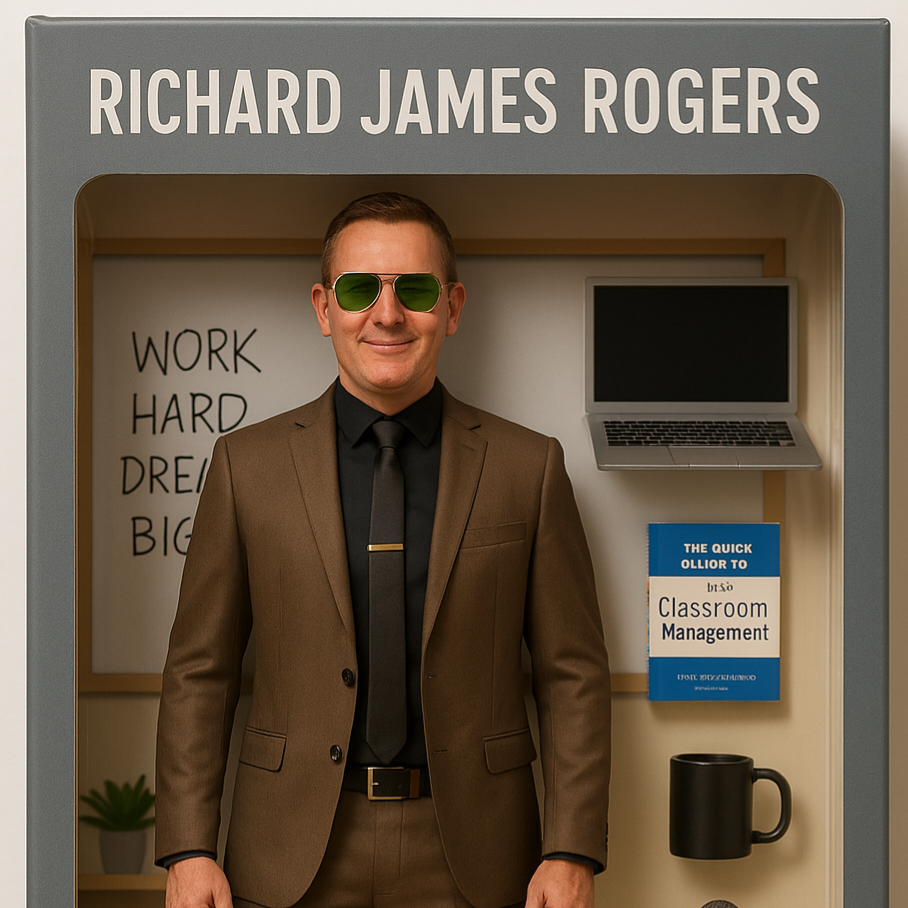
Artificial Intelligence (AI) used to sound like science fiction, and was once confined to the creative genius seen in movies I loved as a child, such as WarGames (1983), The Terminator (1984) and Short Circuit (1986). These days, however, it has graduated beyond the illustrious imaginations of movie directors and authors and is actually having an impact in schools: helping students write essays, solve mathematics problems, and even brainstorm ideas for group projects. Welcome to 2025, where generative AI is fast becoming an essential tool in the high school classroom. It’s also the technology behind some bizarre and fun recent trends, such as the current AI Doll image creation craze. A doll version of me, created by ChatGPT, is given below. I hope the similarity does me justice!

On a more serious note, however, generative AI has presented school teachers all over the world with some pressing challenges. It’s important to consider how we, as teachers, can use this technology responsibly and effectively. In this blog post I’ll outline some practical, classroom-friendly ideas that even complete beginners can start utilizing right away!
What is Generative AI?
Before we begin, it’s important to make the distinction between generative AI, and other forms of AI. As I alluded to earlier, AI has actually been around in various forms for quite a while. It’s what allowed me and scores of children in the 80s and 90s to play single-player computer games on systems like the Atari ST, Sinclair ZX Spectrum, Sega Mega Drive (remember Sonic the Hedgehog?) and many other devices.

What’s relatively new in the AI space, and what’s caused so much debate and excitiement in the past two to three years is generative AI, which refers to algorithms that can create new content based on existing data. This includes text, images, music, and more. One of the most famous examples is ChatGPT, which can write essays, summaries, and even simulate conversations (Center for Teaching Innovation, 2023).
Rather than replacing teachers, AI is best used as a co-pilot. It can help to lighten workloads, support differentiation, and provide new ways to engage learners.
Ever had a student stare at a blank page, unsure where to start? I certainly have. Reaching such students can be real challenge at times. Generative AI, however, may be able to help you by offering writing prompts, providing structured outlines, and generating example paragraphs in various tones and styles. These can be used to help students compare good versus poor structure, or to kick-start a creative writing project (XQ Institute, 2023).
💡 Try this: Ask ChatGPT to produce an essay introduction on climate change, or any topic, then let your students critique it or build on it with their own arguments.
Generative AI can sometimes produce responses that are incorrect or subtly flawed, and that can be a gift in disguise. Use AI-generated answers with embedded errors and ask students to fact-check and edit them. This teaches critical reading, evaluation of sources, and digital literacy, all of which are key 21st-century skills (TIME, 2023).
💡 Try this: Present an AI-generated paragraph with factual errors and challenge students to find and correct them using reliable sources.

Students learn at different paces and levels. Generative AI can help you rephrase content in simpler language or adjust reading levels to suit English Language Learners (ELLs) or students with learning difficulties (CRPE, 2024). It is like having a personalized assistant that adapts your materials on demand. If you’re looking for additional tools to add to your differentiation toolkit, then generative AI may be just what you need!
💡 Try this: Take a science article, or an article on any subject matter, and ask the AI to rewrite it for different reading ages or to include more visual metaphors. You can do this with existing worksheets, slides, guides and other resources, too.
Generative AI can co-create stories, invent fictional dialogue, compose poems, or help design imaginary worlds. For creative projects in English, drama, music or even business studies, it can be a brilliant brainstorming tool (Ali et al., 2023). This allows the AI system to become a ‘creation expansion’ tool that can extend and relate students’ current creative abilities.
💡 Try this: Ask students to work with AI to co-author a short story, with students editing and expanding the AI’s ideas. The prompt ‘I would like to co-author………with you’ should work well with most generative AI systems.
Let’s be honest, teaching is a really demanding job. AI can help with lesson planning, quiz creation, report card comment generation, and even drafting parental emails (Wired, 2023). It is not about replacing your voice, but about saving you time so you can focus on what matters: your students. If you’re struggling with your workload as a teacher, then you should always talk with your line manager in the first instance, as they will know the context within which you are working and will be able to best advise you. However, you may wish to experiment with AI tools too, as you may find that they will relieve you of some of the pressure created by administrative tasks.
Tip from experience: If you want to use AI to generate student report cards, then please seek the permission from your school first, as copyright/data privacy may be an issue to consider. If you are given the green light to go ahead, then check that the correct English is being used (British, or American, for example) and always double-check the reports before officially publishing them,
💡 Try this: Use AI to generate a starter activity or plenary question for a lesson. Edit as needed to suit your class dynamic.
To make the most of generative AI while keeping things ethical and purposeful, consider the following:
Generative AI is here to stay and that is exciting. With the right approach, it can support better learning outcomes, help differentiate instruction, reduce our workload and spark joy in the classroom. The key is to use it with your students, not for them. As educators, we still provide the wisdom, mentorship, and heart that AI can never replicate.
So why not give it a go this week? Whether it is generating a debate prompt or helping a student craft their first poem, AI might just become your new favourite teaching assistant.
Recommended further reading
We welcome you to join the Richard James Rogers online community. Like our Facebook page and follow us on Instagram for the latest news, blog posts and commentary.